Bring in any score
PDFs and MusicXML from Files, or scan printed pages with your camera. Photos are cropped, straightened and cleaned up automatically, even with shadows across the page.
Sheet music in light
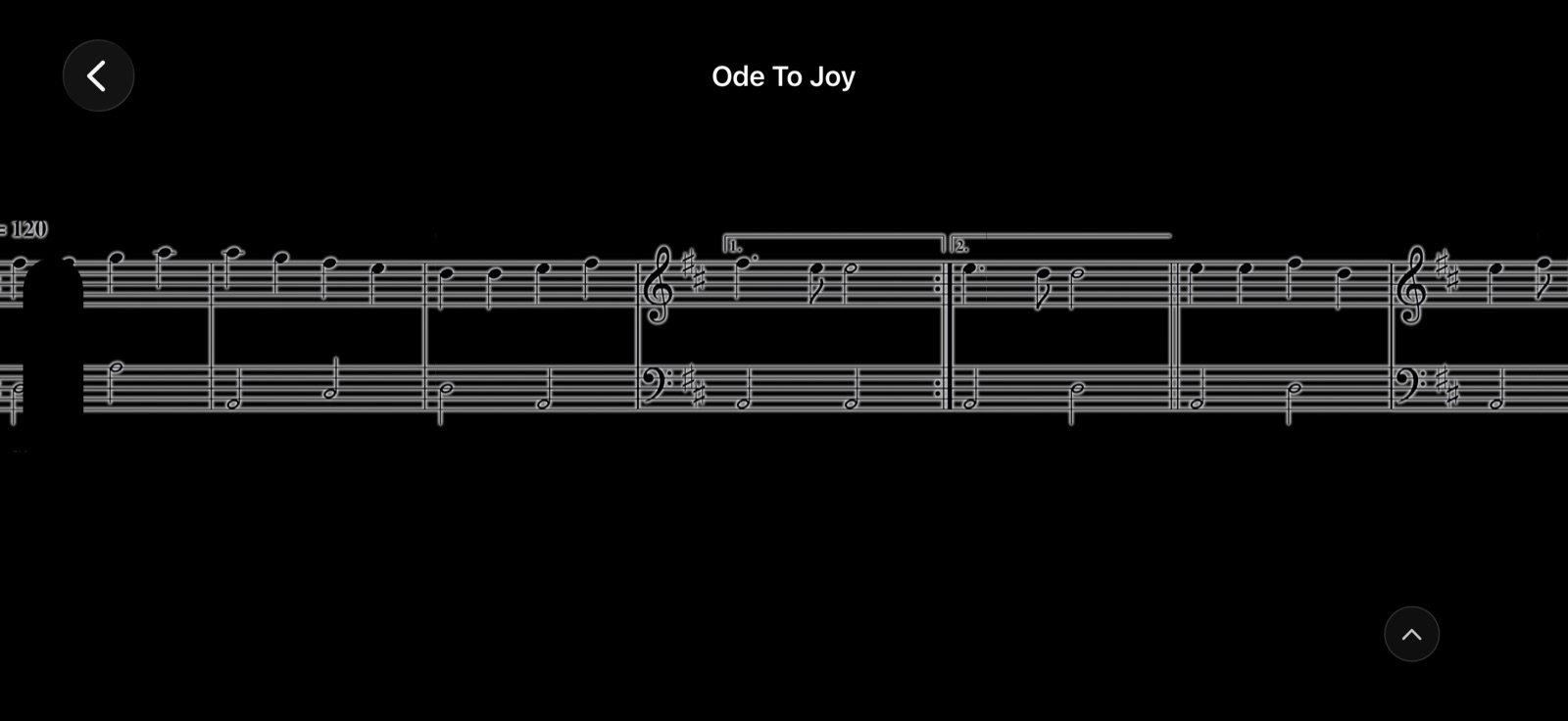
Import a PDF, scan a printed page, or bring in MusicXML. Synesthesia redraws your score as glowing notation that moves in time with you, so your eyes stay on the music, not on turning pages. Singing? Bring in a lyric sheet and the words play through, chords and all.
What it does
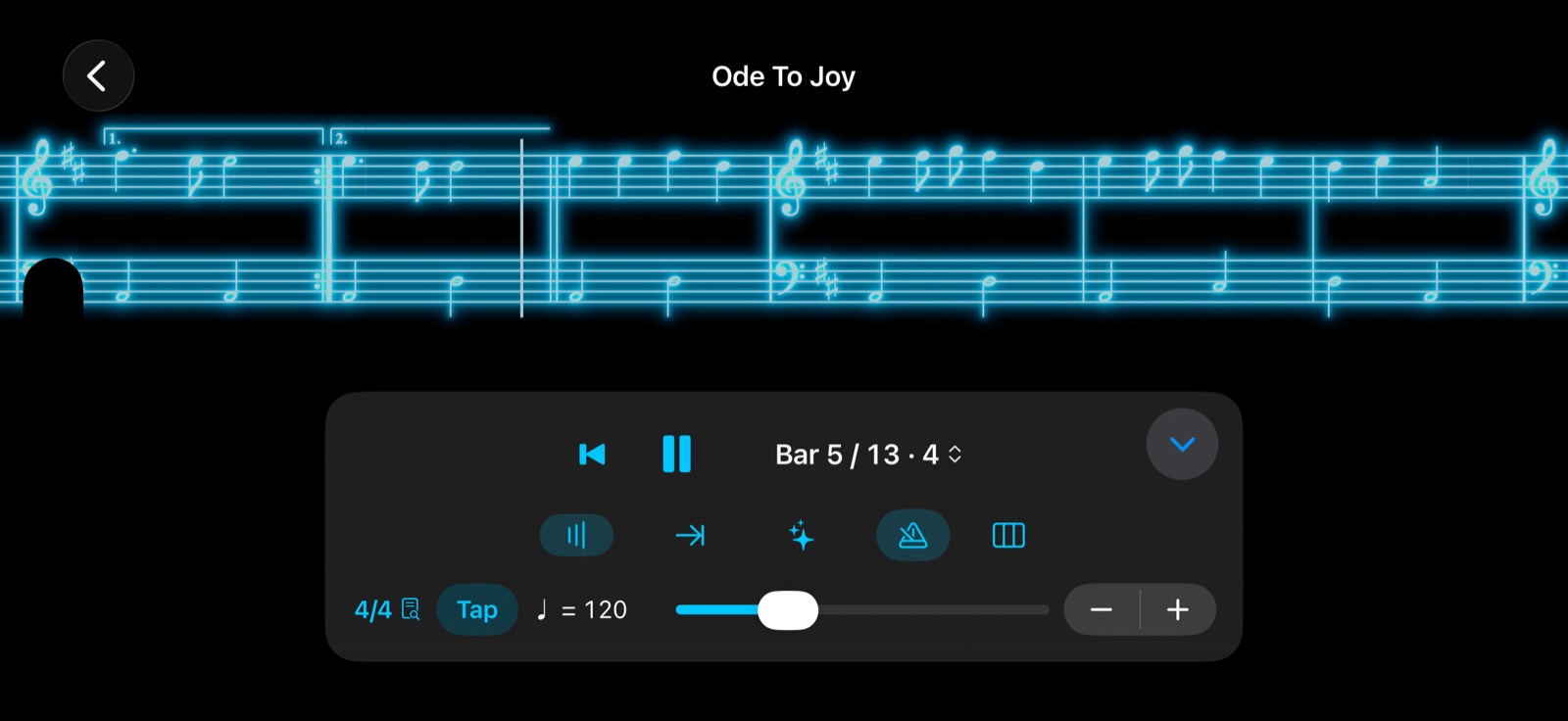
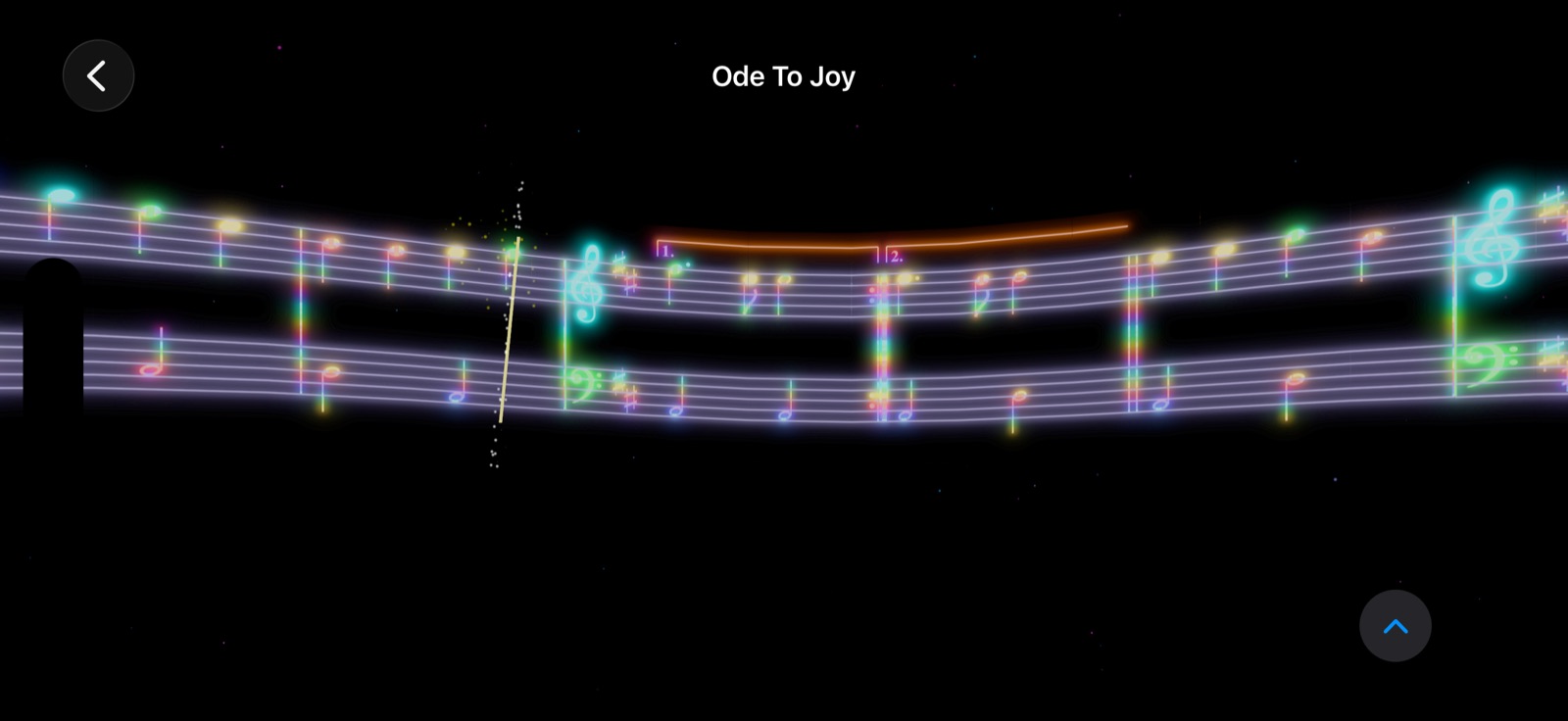
Synesthesia reads the staves, bar lines, repeats and tempo from your page, then plays it back as light at the speed you choose.
PDFs and MusicXML from Files, or scan printed pages with your camera. Photos are cropped, straightened and cleaned up automatically, even with shadows across the page.
The music glides past a glowing playhead at any tempo from 20 to 400 BPM, with a count-in and an accented metronome you can switch on or off. Or tap the tempo in.
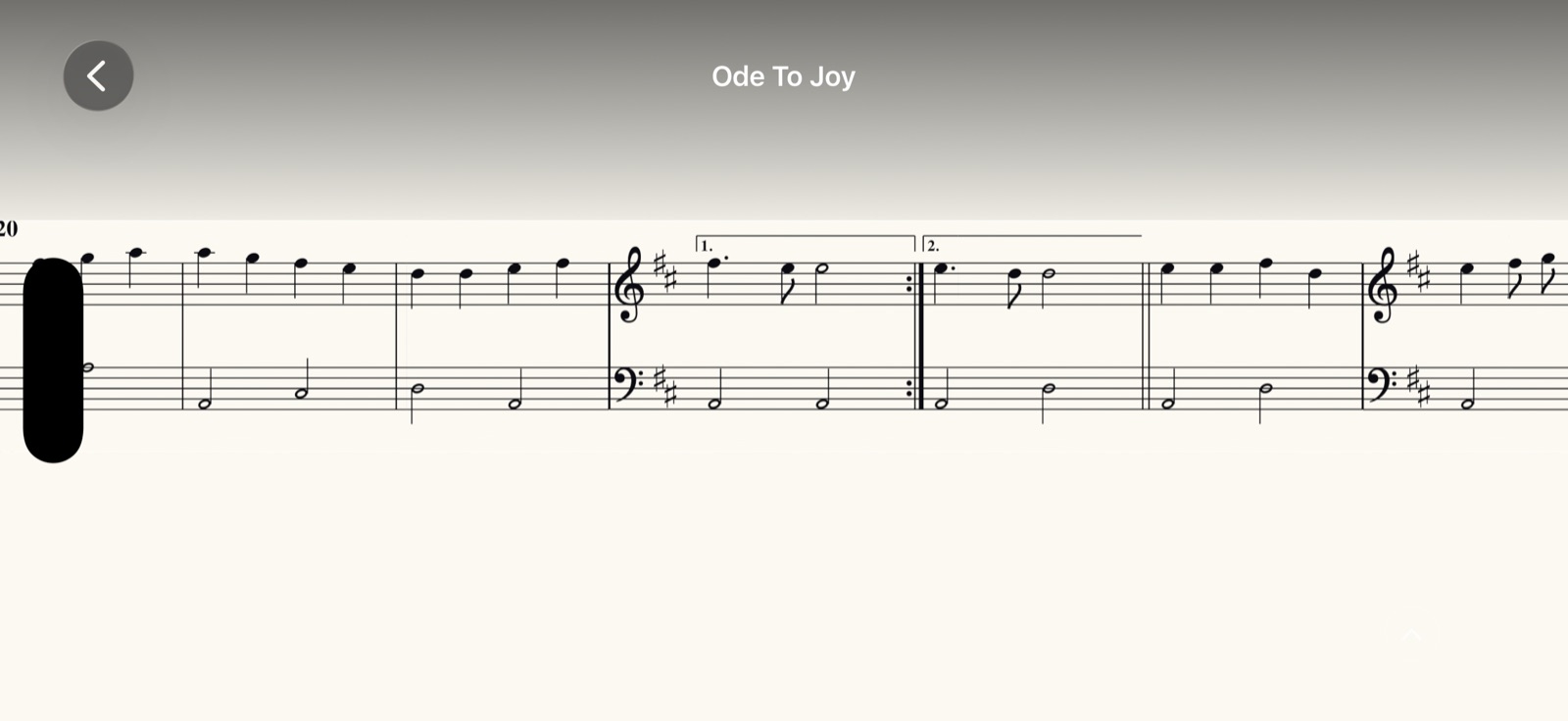
Prefer reading like paper? The music stays put and the line moves across it, turning the page on time.
Turn the playhead off for clean music with nothing drawn over it, whether the music scrolls or holds still.
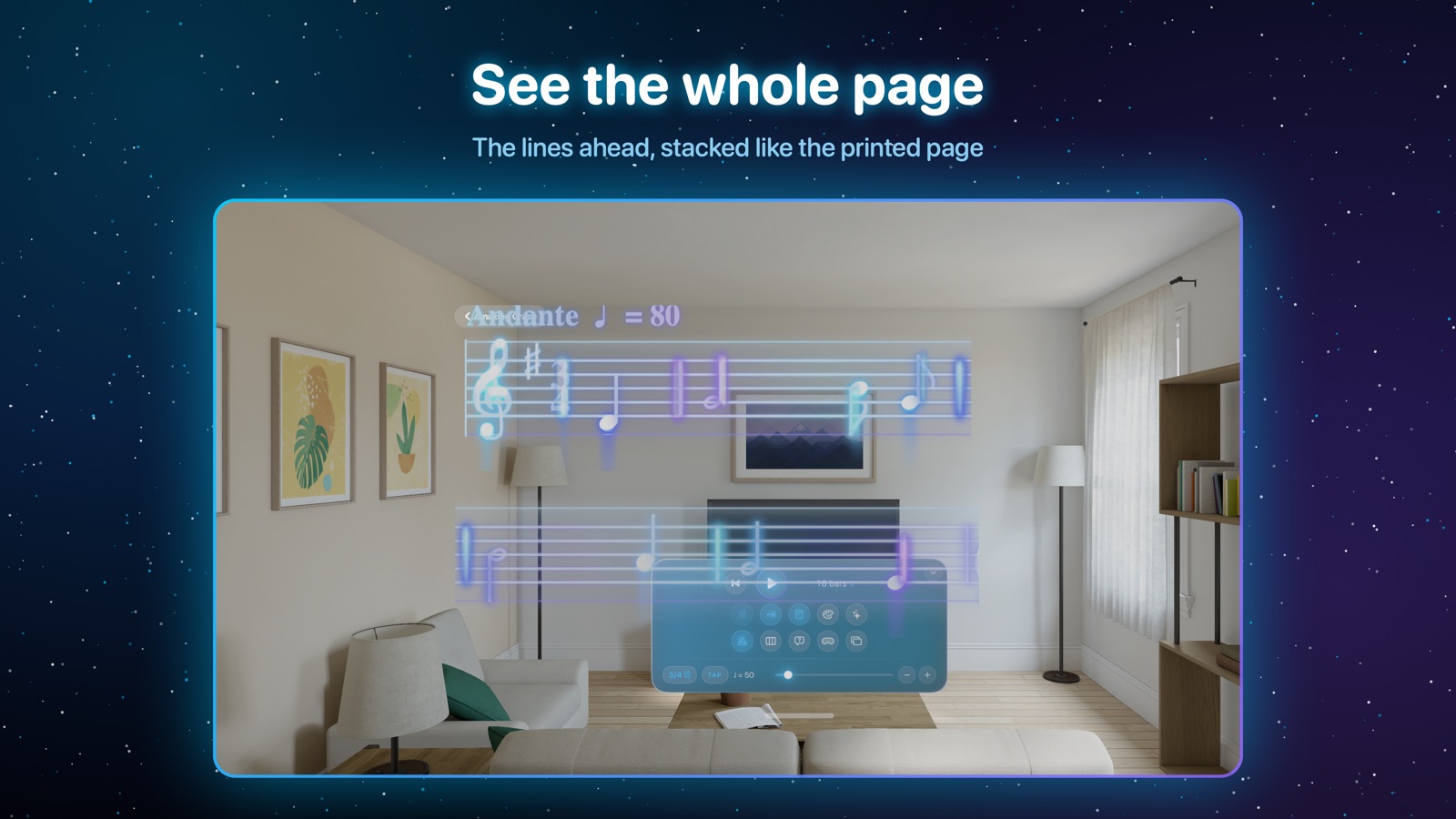
NewFull Sheet stacks the lines that come next under the one you're playing, and moves up a line as you go.
Repeats, 1st and 2nd endings, D.C. and D.S. al Fine, pickup bars, C and ¢, and meter changes are followed for you. Tap any bar to jump there.
Import a lyric sheet from a PDF, a photo or a timed .lrc file. The words play through a line at a time, with the chords above them.
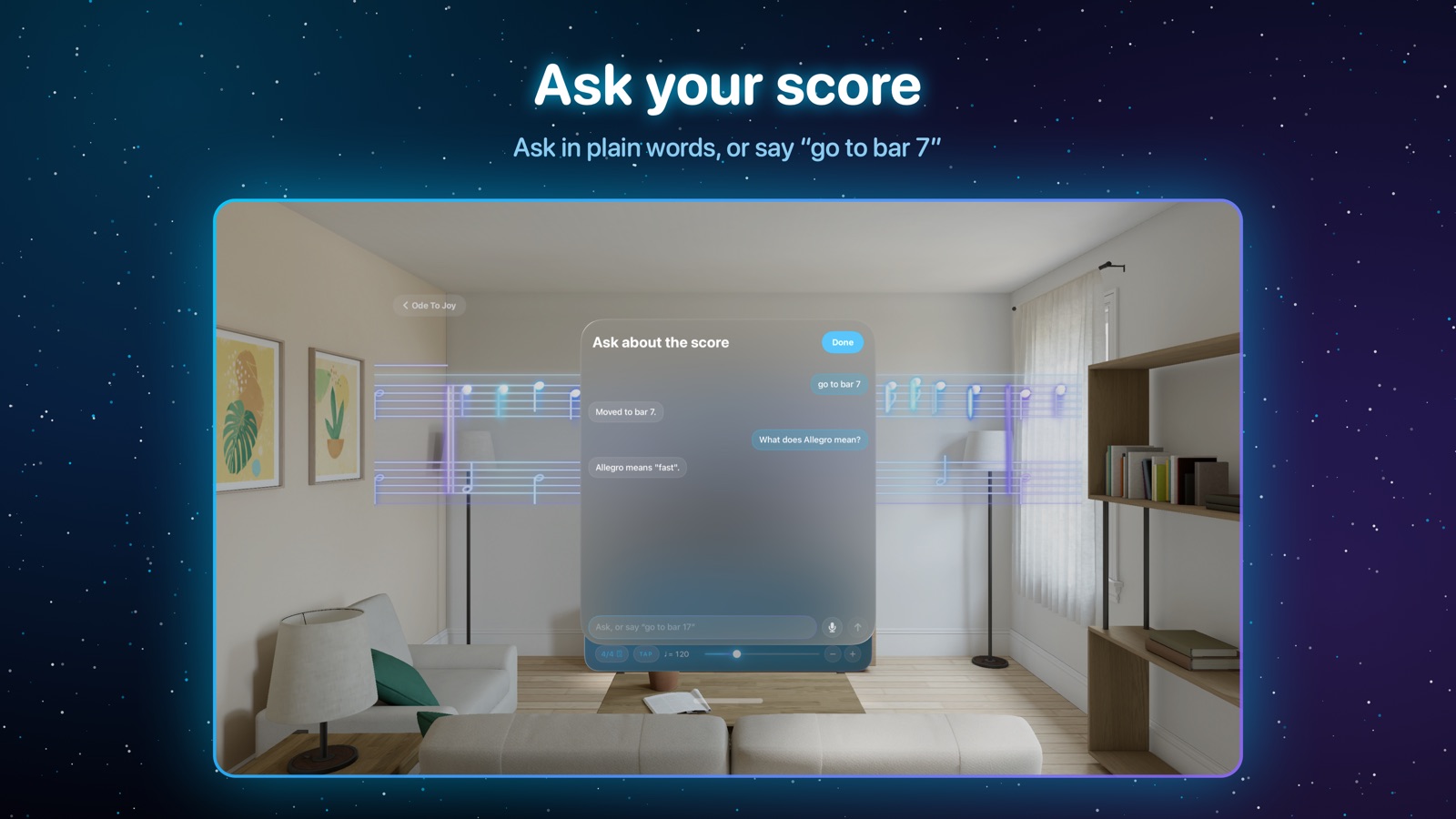
NewAsk "Where does the repeat go back to?" or say "a bit slower" and "go to bar 17". Answered on your device by Apple Intelligence.
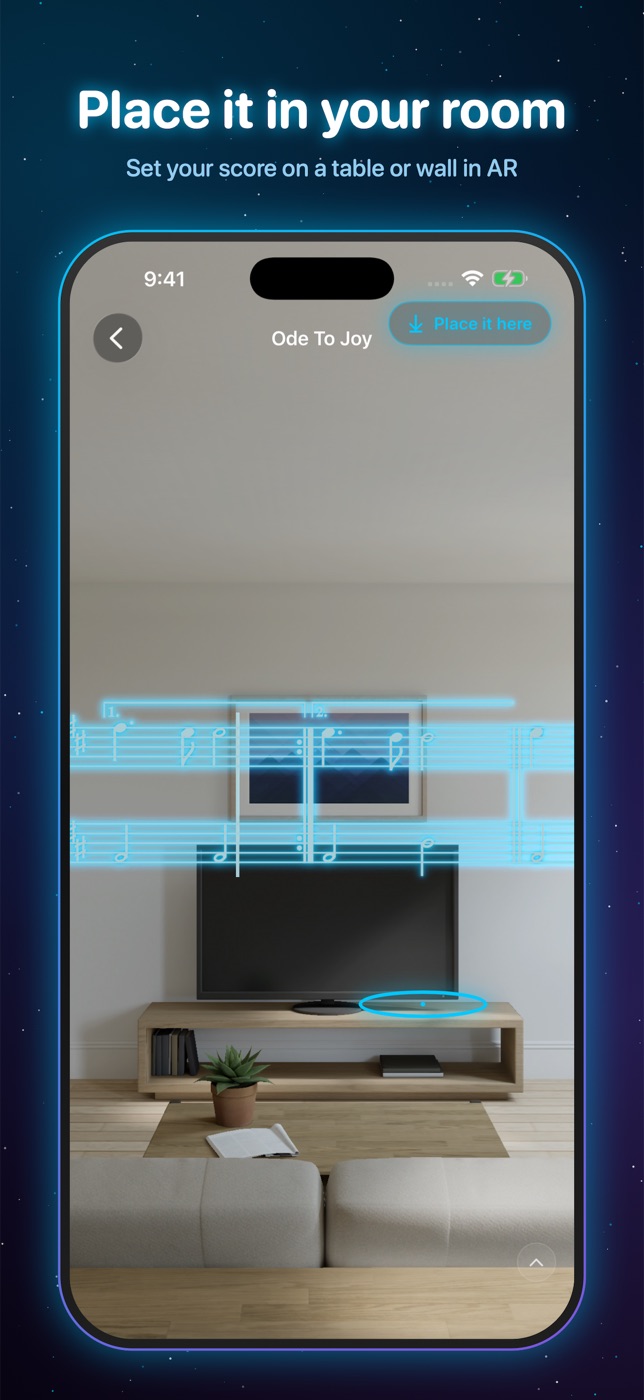
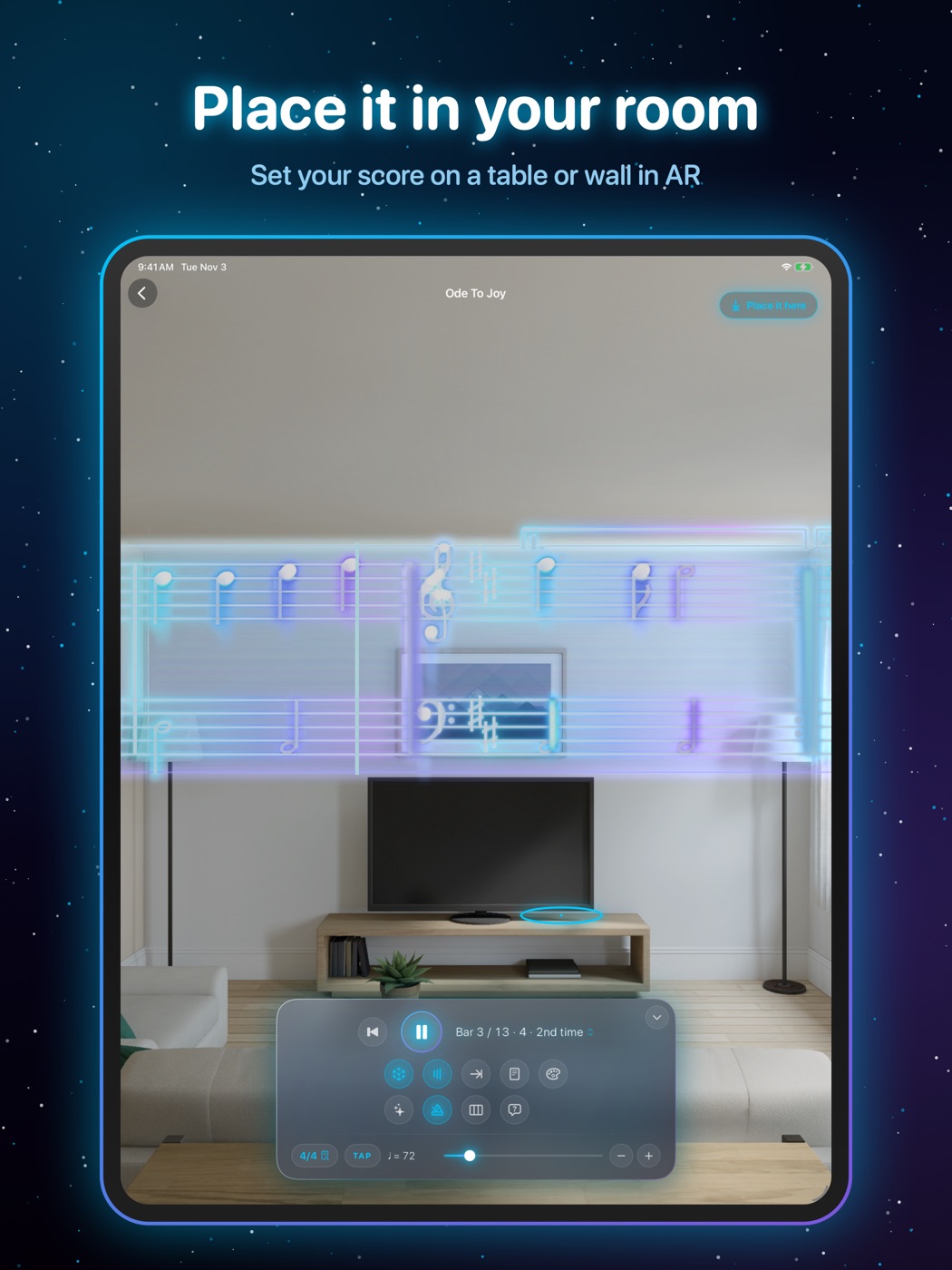
Set the score down on a table or wall in AR on iPhone and iPad, or pin it beside your instrument on Apple Vision Pro.
Make it glow your way
Switch looks any time from the palette button. Your choice is remembered on each device.
See it
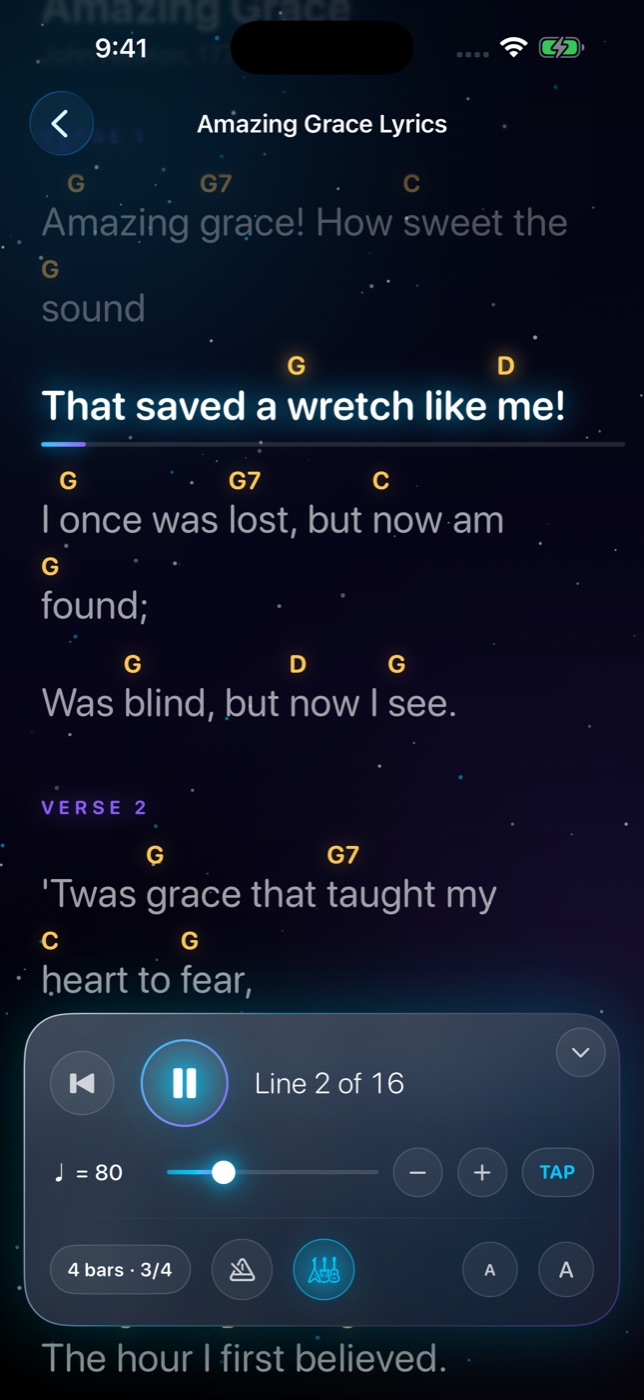
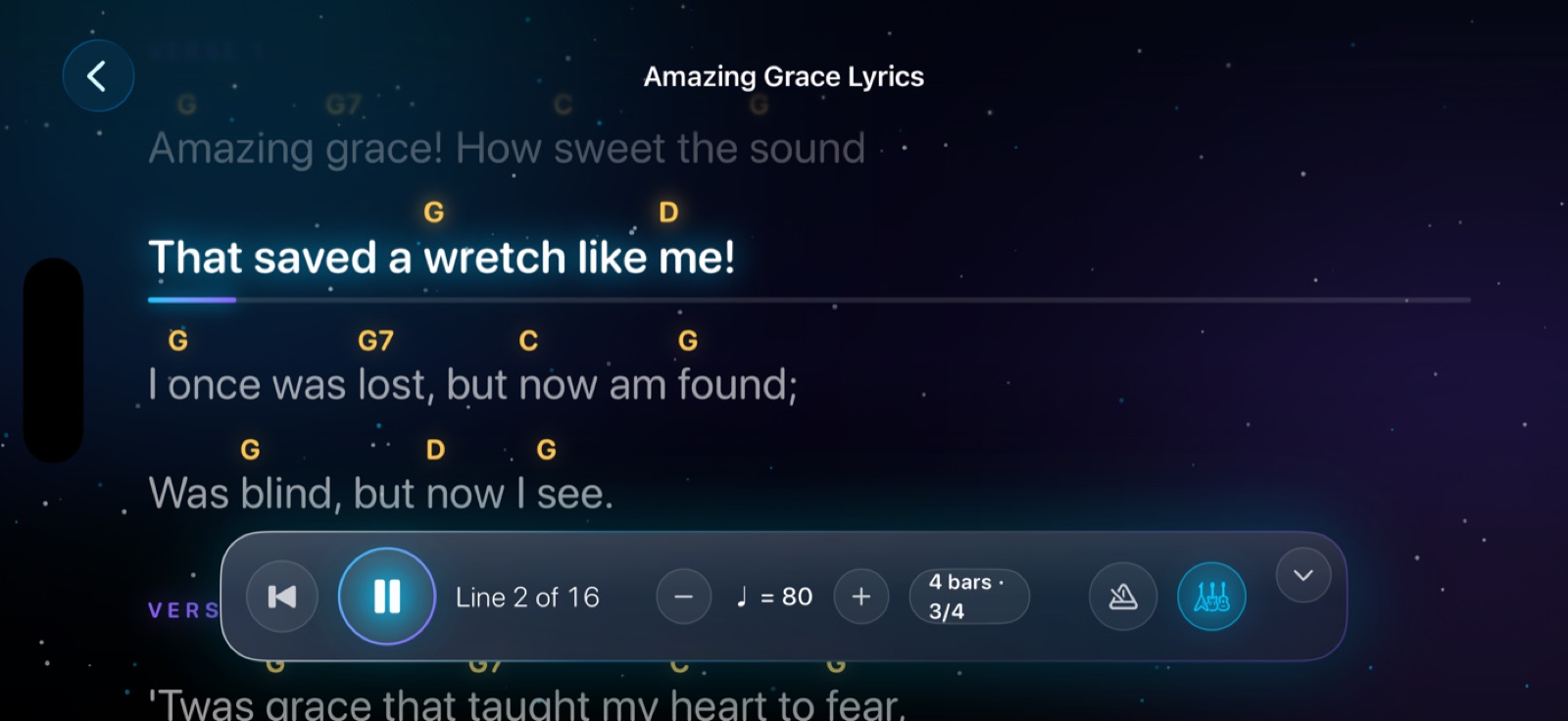
Lyrics mode New
Bring in a song's lyric sheet and Synesthesia plays the words through at your tempo, the line you're on glowing in the middle of the screen with a bar showing how far through it you are.
Augmented reality
On iPhone and iPad, turn on AR and the score floats in front of you through the camera.
Apple Vision Pro
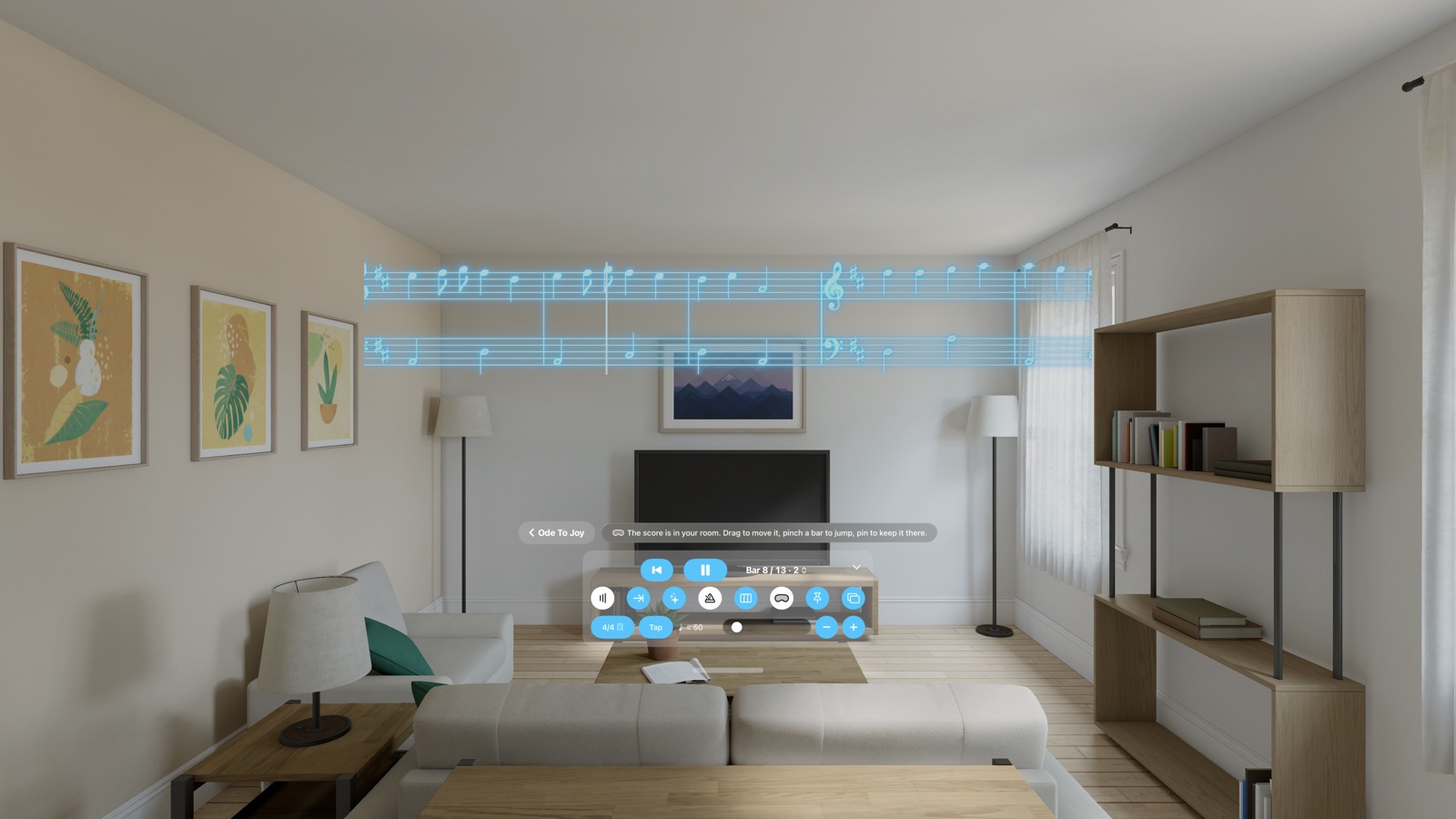
On Vision Pro, Synesthesia opens as a window with your library and controls. Then send the score out into your space at full size, floating at eye height above the controls like a music stand.
Pinch and drag the score anywhere in the room. It turns to face you as it goes.
Look at any bar and pinch your fingers to play from there. No reaching for buttons mid-piece.
Pin the score beside your piano or stand. Next time you open it, even after a restart, it's waiting in the same spot.
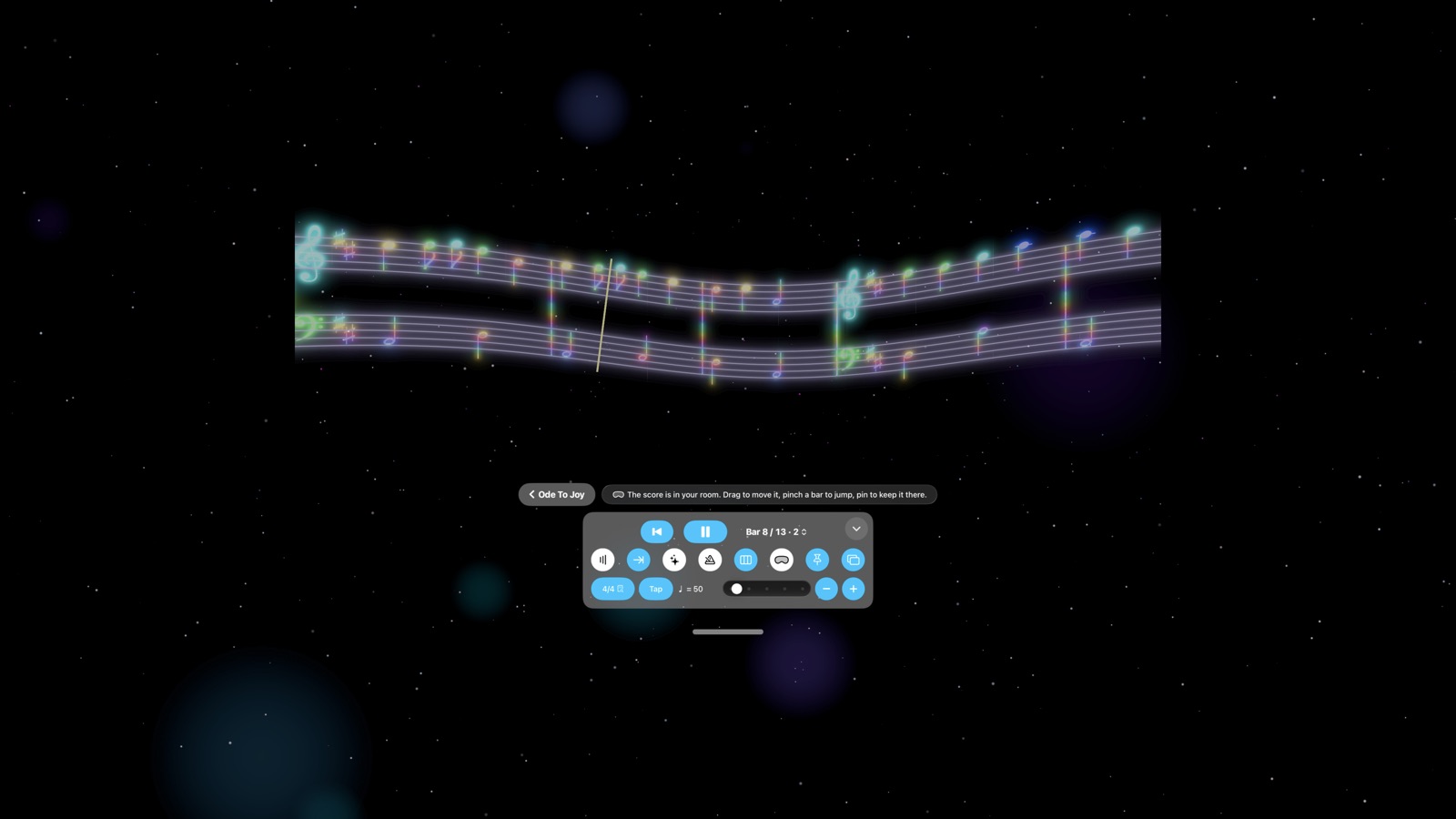
Turn on Art Mode and the room fades into a night sky of twinkling stars and slow nebula clouds, with your score glowing in the middle.
Show the score on a soft glass panel, or let the notes float freely in your room.
Full Sheet, every look, Ask about the score and the Pro features (all but head turns) work on Vision Pro too.
Synesthesia Pro
Pro adds an unlimited library and tools for serious practice and live play.
$0
$4.99 / month
Everything in Free, plus:
Tap Go Pro at the top of your library.
Synesthesia Pro is an auto-renewing monthly subscription. Payment is charged to your Apple Account at confirmation of purchase, and the subscription renews each month unless cancelled at least 24 hours before the end of the current period. Manage or cancel any time in your Apple Account settings. Prices shown in US dollars; your local price is shown in the app. Terms of Use · Privacy Policy
Private by design
Reading your scores, scanning pages, answering your questions and hearing your voice all happen on your iPhone, iPad or Vision Pro. No accounts, no ads, no tracking.
For iPhone, iPad and Apple Vision Pro.